
Get your office on MealMates
Your company isn't listed yet? Add it, share it, and everyone orders for themselves.
Step 1
Add your company in the app
Enter your company name, building, floor and office. It takes a minute, and any team size works, even just you.
Step 2
Tell your team
Copy this into your team chat:
Found a lunch app for the office: MealMates. We each pick from several restaurants, it all arrives together, and scheduled delivery has no delivery fee or minimum order. I've added our company. Download it and join: https://mealmates.ae/download
Step 3
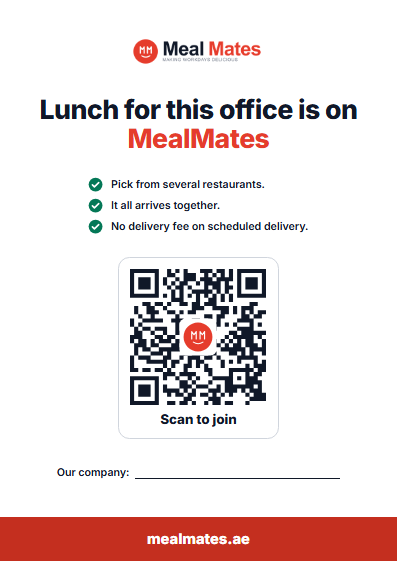
Put up the poster
Print it for the kitchen or the notice board. Colleagues scan the code and join.
Step 4
Tell HR or Facilities
If your company might want to subsidise lunch or run a pilot, forward this:
I'd like our office to try MealMates for lunch. It's a digital canteen: staff order from several restaurants, and it all arrives as one delivery. The company can join as a partner at no cost, or subsidise. Details: https://mealmates.ae/for-companies
You won't end up running lunch
You don't collect orders or money. Everyone orders and pays in the app, and support is there if something goes wrong.
